
How do security cameras work?
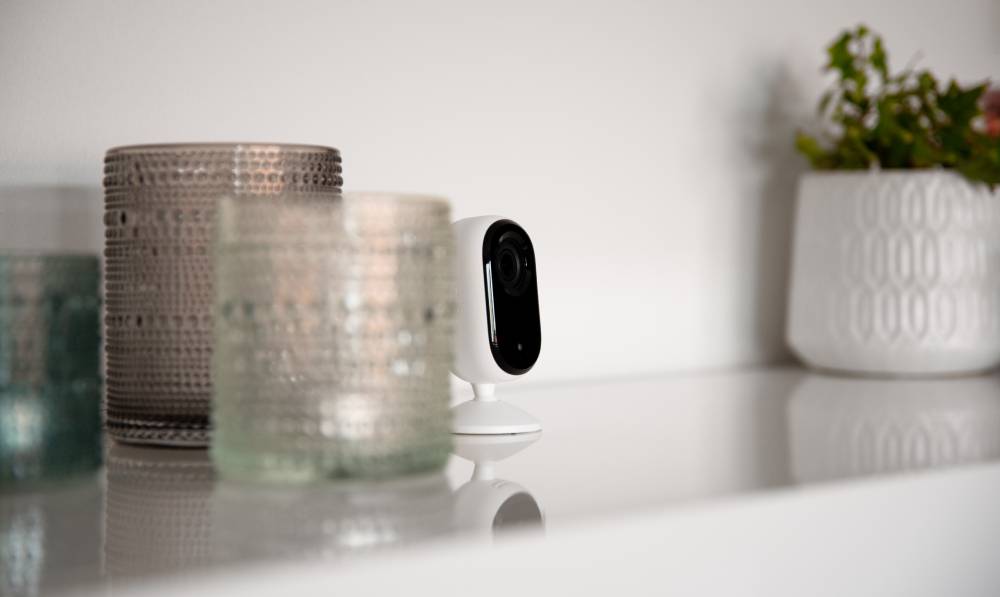
Home security cameras use lenses, sensors and digital transmission to capture and send footage from your property to a storage device or the cloud. Wired systems offer stable, high-quality video, while wireless cameras provide easy setup and remote access.
Modern surveillance cameras, like Verisure’s, combine HD video with 24/7 professional monitoring, so that every alert is verified and your home stays protected day and night.
Whether you’re looking for reliable outdoor surveillance cameras or discreet indoor monitoring, understanding how these security systems work can help you make the right choice for your home or business. From storing footage to Wi-Fi requirements, learn how CCTV cameras work, alongside a series of helpful camera tips from our experts.
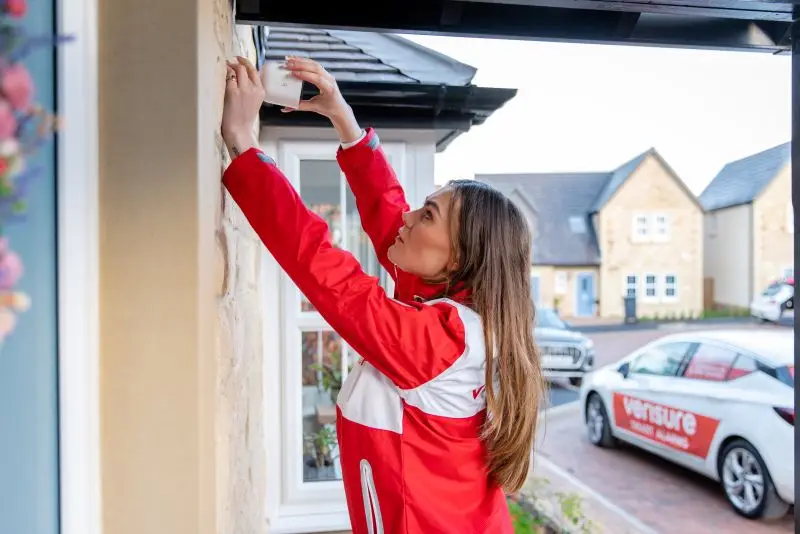
Home security cameras (often called “home surveillance cameras” or “home CCTV cameras”) are video devices designed to monitor and record activity in and around your property. Here’s a quick overview of how these cameras function, and their core features:
- How security cameras work: CCTV cameras use a combination of lenses, image sensors and digital transmission technology to capture video footage. This can then be viewed in real-time, or stored for playback if necessary.
- Installation: these private security cameras can be installed either indoors or outdoors. They serve as a visual deterrent against intruders, while also providing valuable visual evidence if a break-in occurs.
- Connectivity: modern home security systems like Verisure’s allow homeowners to stream live footage directly to a smartphone, tablet or computer, checking in on the safety of their home from anywhere.
- Footage: depending on the model, the security camera’s footage is either stored locally on a device (such as an SD card) or uploaded securely to the cloud. Verisure’s systems are designed to prioritise privacy and data protection, ensuring only authorised users or monitoring agents can access footage when needed.
Why Use a Home Security Camera?
Security cameras form a critical part of any home’s security system. They act as a deterrent, and capture vital information about who interacts with your property.
1. Deterrence
A visible camera system (even just a doorbell camera) can deter potential burglars before a crime even occurs, especially when combined with alarms and clear signage.
2. Remote Monitoring
With remote monitoring, homeowners can virtually check their homes, as many times as needed, wherever they are – removing the worry of being away for extended periods.
3. High-Quality Evidence
Quality home security cameras can capture video footage of any vandalism, theft or intrusion, which may be used as vital evidence later down the line – such as during court proceedings.
Where Can You Buy a Home Security Camera?
All major DIY stores offer surveillance cameras, and there are plenty of options online that you can purchase and install yourself. However, for the highest levels of protection, the best footage quality and 24/7 support, you should purchase a home security camera from a trusted provider like Verisure.
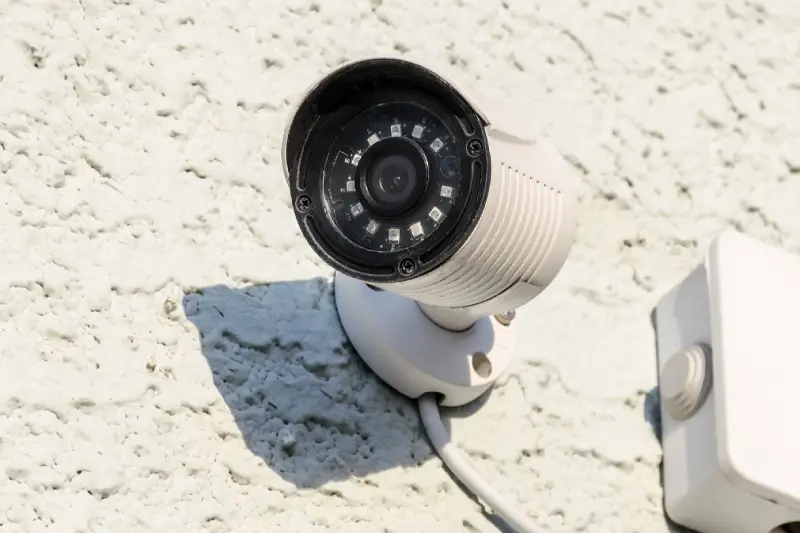
When choosing a home security system, one of the key decisions is whether to opt for wired or wireless cameras. Both camera types offer reliable protection but differ in installation, flexibility and maintenance levels.
How Do Wired Security Cameras Work?
Wired cameras connect directly to your power supply and network, sending video to a central recorder. This setup is ideal for large or permanent installations where stable, high-quality footage matters most.
How Do Wireless Security Cameras Work?
Wireless cameras send footage over your Wi-Fi network, powered by batteries, mains or solar energy. They’re versatile and quick to install – perfect for properties where cabling is difficult.
Choosing the Right Security Camera System
For many people, a hybrid setup (one that combines wired and wireless cameras) offers the best of both worlds. Wired cameras can protect fixed areas like entrances and driveways, while wireless models cover adaptable zones such as gardens or temporary outbuildings.
At Verisure, our security experts provide tailored recommendations based on your property’s layout, connectivity and security needs. Our systems are all wireless, but are engineered to deliver effortless installation with secure, uninterrupted performance.
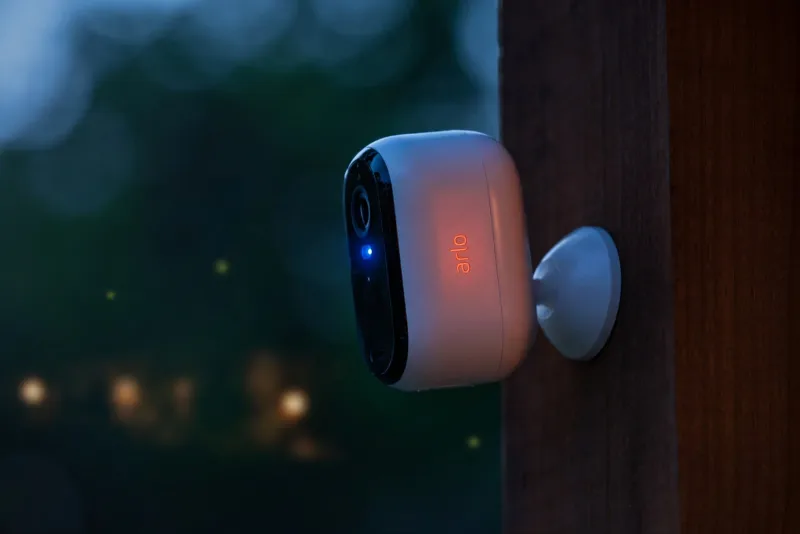
Outdoor security cameras offer surveillance around the perimeter of your home, and for crucial access points (like windows, doors and balconies). Indoor cameras cover high-traffic areas inside your property, and can give a view of entry points from the inside. Based on the design of your home and your unique security needs, you may well want to opt for both options to cover all bases.
Outdoor Security Cameras
Built to withstand the elements, from heavy rain and snow to extreme temperatures. They often include motion sensors, infrared night vision and wide viewing angles, to cover driveways, gardens and entrances – allowing for watertight coverage of all areas around a property.
Some higher-quality outdoor cameras even combine video footage with other functions, such as sensor-triggered security lights. Verisure’s Arlo XL Wireless Outdoor Spotlight Camera combines a 130° wide-angle 1080p HD quality camera with an integrated security light, to act as a visual deterrent.
Indoor Security Cameras
Designed for subtle, reliable monitoring within a home or business premises. Indoor cameras can integrate with alarm systems to record automatically during an alert. They’re great for keeping an eye on children, pets or elderly relatives who live alone and may require support.
Verisure’s Arlo Indoor Camera sends any alerts straight to your smartphone, and can differentiate between humans and pets, preventing false alarms when your dog or cat moves through a room.
Do Home Security Cameras Work at Night?
Yes, many CCTV cameras are now equipped with the technology to operate at night. Models with infrared (IR) LEDs or low-light sensors provide clear, detailed images, even in total darkness. Invisible infrared LEDs illuminate their field of view, producing grayscale or colour-enhanced images to help you identify activity around your home at night.
Security footage must be stored securely and kept only as long as necessary (per GDPR). Depending on your camera, storage can be cloud-based or local (SD/NVR).
Cloud Storage
Many security cameras rely on encrypted cloud storage to store footage. Here, footage is uploaded to secure servers and can be accessed via an app or web portal.
Local Storage
Some security cameras may store data on an SD card or Network Video Recorder (NVR), keeping footage under your direct control.
Do Remote Monitoring Agents Have Access to the Images?
At Verisure, privacy comes first. Our dedicated team of remote monitoring agents (at our ARC, or ‘Alarm Receiving Centre’) cannot view your footage unless an alarm is triggered. Only then do trained professionals access the images for verification, ensuring rapid response while maintaining your confidentiality.
We’ll only have access to recorded video and audio in the cloud, dating back to 20 seconds prior to the alarm event, and a maximum of 40 seconds of live video. Find out more about our camera privacy policies.
How Long Are Security Camera Videos Stored?
The length of time that security camera footage is stored for depends on numerous factors, such as the model of the camera and the regulations in place. In Verisure’s case, we store footage from triggered alarms for one month by regulation. Customer-initiated recordings stored in the cloud are kept for three days, while locally stored footage remains under your control.
Staying Compliant When Storing Footage
There are quite a few UK GDPR guidelines regarding image retention and storing footage. Below are the most important rules to comply with:
- You should not store any information or images for longer than is necessary to protect your property.
- Delete any footage once it is no longer required.
- Any images and videos that are recorded should only be used for the purpose for which your system was installed (for example, sharing recordings on social media is not appropriate).
- You must keep the recordings secure, and keep access to them to a minimum.
For homeowners considering installing a security camera, the questions “Do home security cameras use a lot of electricity?” and “Do home security cameras use a lot of data or Wi-Fi?” come up again and again.
Wi-Fi Usage
Wireless cameras rely on Wi-Fi mainly to transmit short video clips or live feeds. The amount of data used depends on the recording settings (continuous or motion/alarm-activated) and the resolution of the footage (better quality footage, like 1080p or 4K, naturally causes higher usage).
Most modern systems, including Verisure’s, use smart optimisation, recording only when motion is detected, dramatically reducing bandwidth. Our GuardVision™ photo detector takes three still images when an alarm is triggered, helping verify threats quickly and removing the need for continuous recording.
Electricity Consumption
Security cameras are rarely a drain on power, especially when compared to other household appliances. Most security cameras use very little electricity, typically 2–5 watts – around the same as an LED light bulb on standby. Solar-powered and battery-operated options can further reduce energy costs.
Verisure’s systems are designed with energy efficiency and reliability in mind, ensuring 24/7 protection with minimal environmental impact.
Can a Camera Record What Is Happening Without Interruption?
Yes, continuous recording is possible on some cameras. But we’d advise you to be conscious of storage capacity if considering this option, as constant recording can quickly use up available space – especially with high-definition footage. To make the most of your system, it’s often better to use motion-triggered recording, which only captures activity when movement is detected.
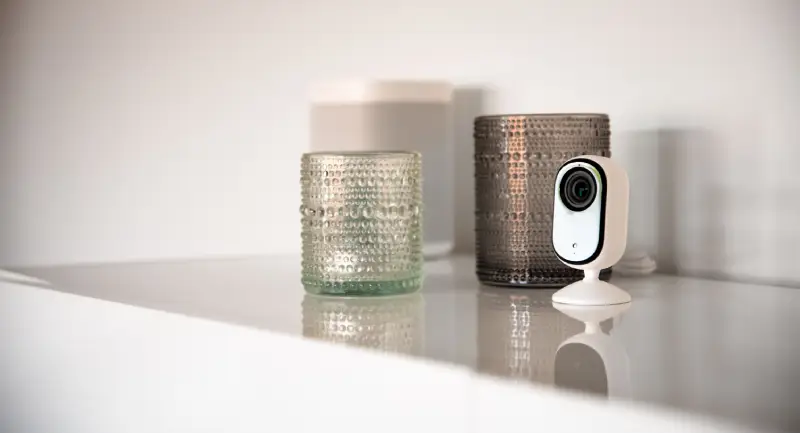
Wondering whether home security cameras are actually worth it? The true value of a home security system lies in how it transforms your sense of safety, convenience and control. Beyond simply protecting your home with surveillance, modern camera systems like Verisure’s enhance the way you live, manage and interact with your property every day.
- Smarter, connected living. With the Verisure app, you can view live footage, receive alerts and integrate your cameras with other smart devices – arming, disarming and monitoring your home all in one place.
- Always-on reassurance. If your alarm triggers, trained specialists at our Alarm Receiving Centre immediately review the footage to confirm what’s happening, and contact emergency services if required – a layer of human reassurance even when you can’t check in yourself.
- Intelligent detection. Our cameras can differentiate between humans, pets and environmental movements, meaning you only receive notifications when there’s genuine cause for concern.
- Enhanced everyday safety. From checking when parcels arrive to ensuring children return home safely, or monitoring elderly relatives, live access through your phone keeps you connected to what matters most.
- Added value and long-term confidence. A professionally monitored system can enhance your property’s value and appeal, and insurers often recognise the added protection when calculating premiums.
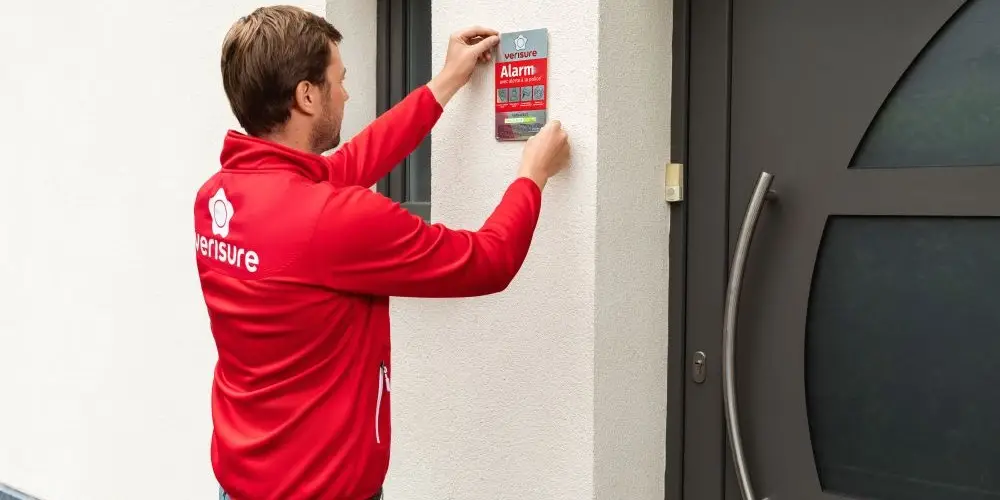
Yes, you can install security cameras on your house in the UK for personal security purposes. However, there are some privacy and data protection laws that you must comply with when installing your cameras.
Regulation and Privacy: Filming Your Home Legally
As an individual, you do not need a prior declaration to install cameras in your home, but you must respect the privacy of others. Here’s a quick summary of the core legal considerations you must comply with when installing a security camera:
Camera angling
Do not aim cameras at public areas such as pavements, roads, or neighbouring gardens.
Signage
Inform visitors that CCTV is in use (a simple notice at your entrance works well).
GDPR
Follow GDPR and UK data protection guidelines by not storing footage longer than necessary.
Informing Neighbours and Visitors
The UK Government’s guidance on the use of domestic CCTV specifies that homeowners considering security cameras should be transparent to those living nearby, by:
- Informing neighbour(s) about the presence of a new security camera system.
- Putting up a notice informing people that a recording is taking place.
Filming and Privacy
When positioning your security cameras, try to cause the least disruption to others’ privacy by angling the cameras towards your own property. You’ll also need to be aware of individuals’ data protection rights and, if necessary, respond appropriately if people exercise these rights – for example, if you receive subject access requests from people who may be recorded by your footage.
It is recommended to display a visible sign at the entrance of your home informing of the presence of cameras, even if this obligation is not formally imposed on individuals. This transparency contributes to the protection of your visitors’ personal data, and reinforces the deterrent effect of your security system.
Home Security Camera Tips
When it comes to installation, for the best results, we recommend the following placements:
| Area | Recommended Height | Why |
|---|---|---|
| General perimeter | 2.5m – 3m | Avoids vandalism and ensures a wide field of view. |
| Entrances | Around 2m | Allows for clear facial identification. |
| Large gardens | 3m – 4m | Gives better perimeter coverage across open areas. |
When to Activate Your Surveillance Camera?
A 3-Minute Window Is All It Takes
Your camera must be active when you are away, even for a short time. A burglary lasts an average of 3 minutes, so even the smallest window of time without an active camera can mean all the difference. When you are at home, your camera can be put into sleep or privacy mode.
Staying Compliant
The Information Commissioner’s Office (ICO) recommends limiting recording to your property boundaries and securely managing any data collected. However, if your cameras capture someone else’s property or a communal space, data protection laws apply.
If compliance seems overwhelming and you’re worried about installing your security system in line with GDPR and legal guidance, we’d recommend partnering with a professional CCTV installer like Verisure. Our installation experts ensure all systems meet the relevant legal and ethical standards as part of the upfront installation and ongoing maintenance process, so you’ll never need to worry.
See What’s Happening, Wherever You Are
From deterrence and remote monitoring to always-on professional reassurance, a Verisure camera system brings smart technology and trained human expertise together – keeping your home protected day and night.
- 24/7 professional monitoring from our Alarm Receiving Centre
- Smart detection that tells humans and pets apart, cutting false alarms
- A free, no-obligation quote on a smart home security system
Frequently Asked Questions
Not all security cameras record continuously. Many systems, including Verisure’s, use motion or alarm-triggered recording to save storage space and reduce unnecessary footage.
Generally speaking, wireless security cameras often rely on Wi-Fi to transmit video clips or live feeds. However, they only use data when recording or sending alerts, and some models can still capture footage locally if the connection drops.
Not all security cameras come with a monthly fee. The ongoing costs depend on the system and the service included. Cameras that offer professional monitoring, cloud storage or enhanced features (like Verisure’s) typically require a subscription to support those services.
Most modern cameras connect through a secure mobile app, allowing you to access live footage, alerts and recordings remotely. With Verisure systems, this connection integrates your cameras with the wider security ecosystem so you can manage everything in one place.
Sources: UK Government guidance on domestic CCTV (GOV.UK); Information Commissioner’s Office (ICO); UK GDPR and Data Protection Act guidance. Figures and product details refer to Verisure UK systems as stated.