





Home Security Tips For Hybrid & Remote Workers
Working from home has changed how many people use their living space. Spare rooms have become offices, dining tables double as desks, and valuable laptops, monitors and work devices are now kept at home throughout the week.
Hybrid schedules create another consideration. A property may be occupied on some weekdays and left empty on regular office days, sometimes following the same routine each week.
These home security tips focus on physical protection rather than cybersecurity, helping remote and hybrid workers strengthen work-from-home security across their property, workspace and equipment.
What Are Good Security Practices When Working From Home?
The best way to maintain security while working from home is to combine secure entry points, sensible equipment storage and a consistent routine for checking the property.
Keep accessible doors and windows locked, position valuable equipment away from public view and store portable devices securely when they are not being used. Hybrid workers should also plan for regular office days, when the property may be empty for longer.
Security should cover the entire home, rather than only the room used as an office. Entrances, garages, sheds and garden workspaces may all need attention as part of the same routine.
Keep Your Home Office Out of Sight
Laptops, monitors and other work equipment can be valuable, so avoid displaying them unnecessarily.
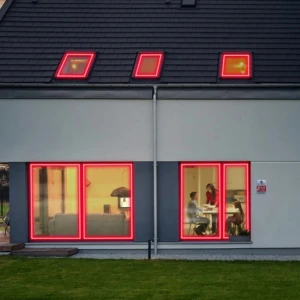
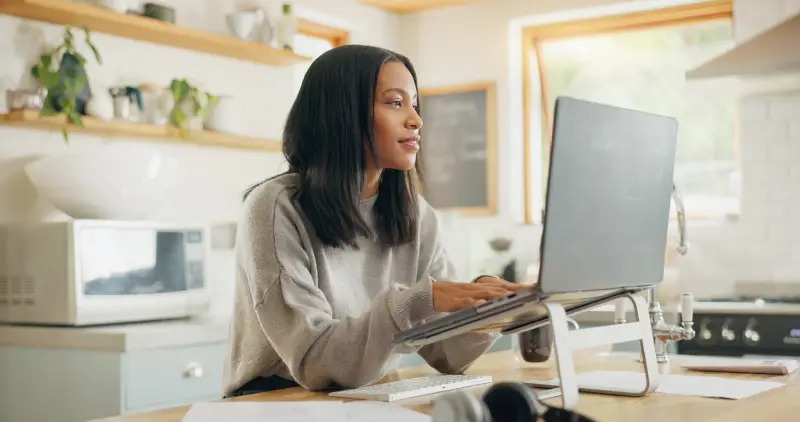
Where possible, position your desk away from ground-floor windows or areas where screens and devices can be clearly seen from outside. Blinds, curtains or privacy film may reduce visibility while still allowing daylight into the room.
Branded packing can also reveal the type of equipment kept inside, so avoid leaving boxes for computers, monitors or other expensive equipment beside bins or outside the property. Break them down before disposal and remove them promptly.
At the end of the working day, close blinds or curtains and move portable equipment away from windows. These simple habits make the contents of your workspace less obvious to people passing the property.
Secure Work Equipment When the Day Ends
Working remotely can blur the boundary between professional and personal space, but a clear end-of-day routine is still worthwhile.
Store laptops, tablets, access cards and work phones securely when they are no longer in use. A lockable drawer, cabinet or suitable safe may be useful, particularly in shared households or rooms used for more than one purpose.
Confidential paperwork also needs careful handling. Avoid leaving documents containing customer, employee or business information on desks or in communal areas. File anything that must be retained and shred papers that are no longer required.
Your employer may have specific rules covering equipment storage, access passes and confidential documents. These policies should form part of the physical precautions you already take around the home.
Check Doors, Windows and Secondary Entry Points
Being inside the house does not mean every entrance should be left unsecured.
The front door may be out of sight from the home office, especially if you work upstairs or towards the back of the property. Keep it locked during the day and avoid leaving keys in the door or close to a letterbox.
Accessible windows should also be secured when they are not being used. This is particularly important if you leave the room for a meeting, take a break in the garden or go out during lunch.
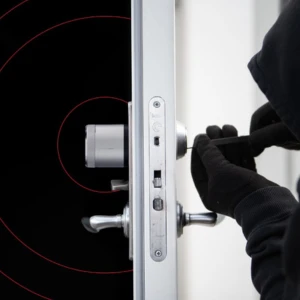
Remember less obvious access points too, including patio doors, side entrances, garages, sheds and garden offices. These areas may sit outside your usual working routine, which makes them easier to overlook.
Anyone using a detached office or converted outbuilding should check that its doors and windows close properly and that work equipment is not left visible when the space is unattended.

Plan for Predictable Office Days
Hybrid schedules can create regular periods when the property is empty. This does not automatically make a home vulnerable, but it is sensible to avoid advertising exactly when nobody will be there.
Be cautious about sharing fixed office days publicly, particularly on social media. Out-of-office messages should also avoid revealing unnecessary details about your location or how long you’ll be away.
Before commuting, check that your alarm is set and that post, parcels or work equipment are not visible from outside. Lighting timers or smart plugs may also help the property appear occupied during darker mornings and evenings.
A trusted neighbour could collect deliveries or contact you if they notice something unusual. Following the same checks each time can reduce the chance of overlooking something when you are in a hurry.
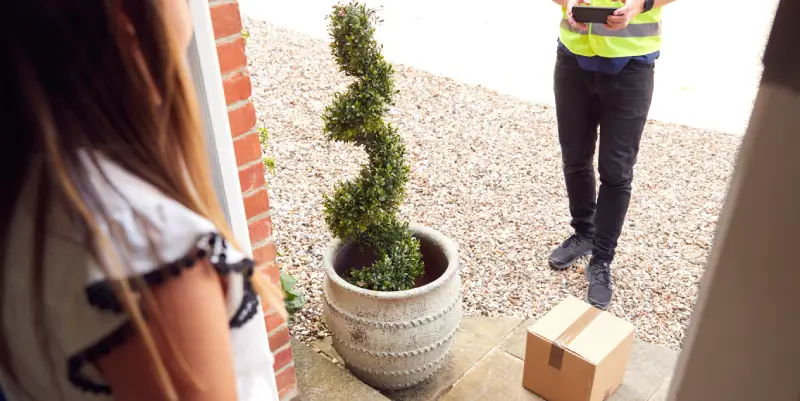
Manage Deliveries and Unexpected Visitors
Remote workers may answer the door more frequently during the working day, whether for personal parcels, work equipment or scheduled appointments.
Before answering the door, check who is outside, particularly when a visit is unexpected. A door viewer, intercom, video doorbell or compatible camera may provide more information without requiring you to open the door immediately.
Where possible, avoid leaving work-related deliveries unattended outside. Use secure delivery instructions, a nominated neighbour or a suitable collection point when you know you will be unavailable.
Confirm appointments with tradespeople in advance and avoid sharing unnecessary details about your equipment or household routine.
How Smart Security Can Support Hybrid Working
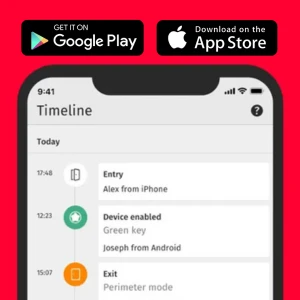
Depending on the system, users may be able to check whether an alarm is armed, receive alerts and view footage from compatible cameras through an app.
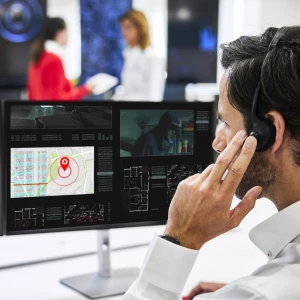
Professional monitoring also means alerts do not rely solely on the homeowner being available to respond. When a monitored alarm is triggered, operators in an Alarm Receiving Centre can assess the available information and follow the appropriate response process.
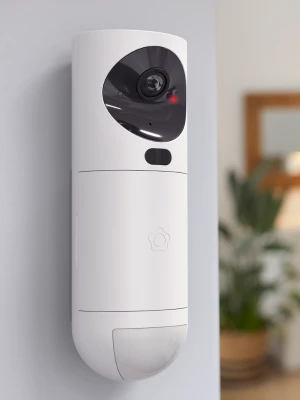
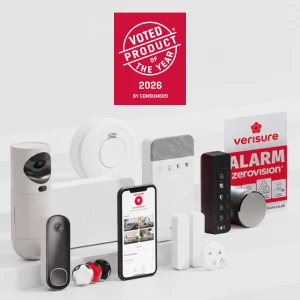
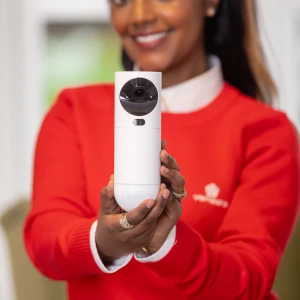
Verisure combines professionally installed security devices with app-based controls and 24/7 monitoring. Customers can manage supported parts of their system through the My Verisure app, helping them stay connected whether they are working at home or travelling to the office.
Combined with the everyday precautions covered above, connected technology and professional monitoring can provide added reassurance across both home-working and office days.
To explore how smart technology and professional monitoring could support your home, start your personalised quote with Verisure today.